Smart Garden
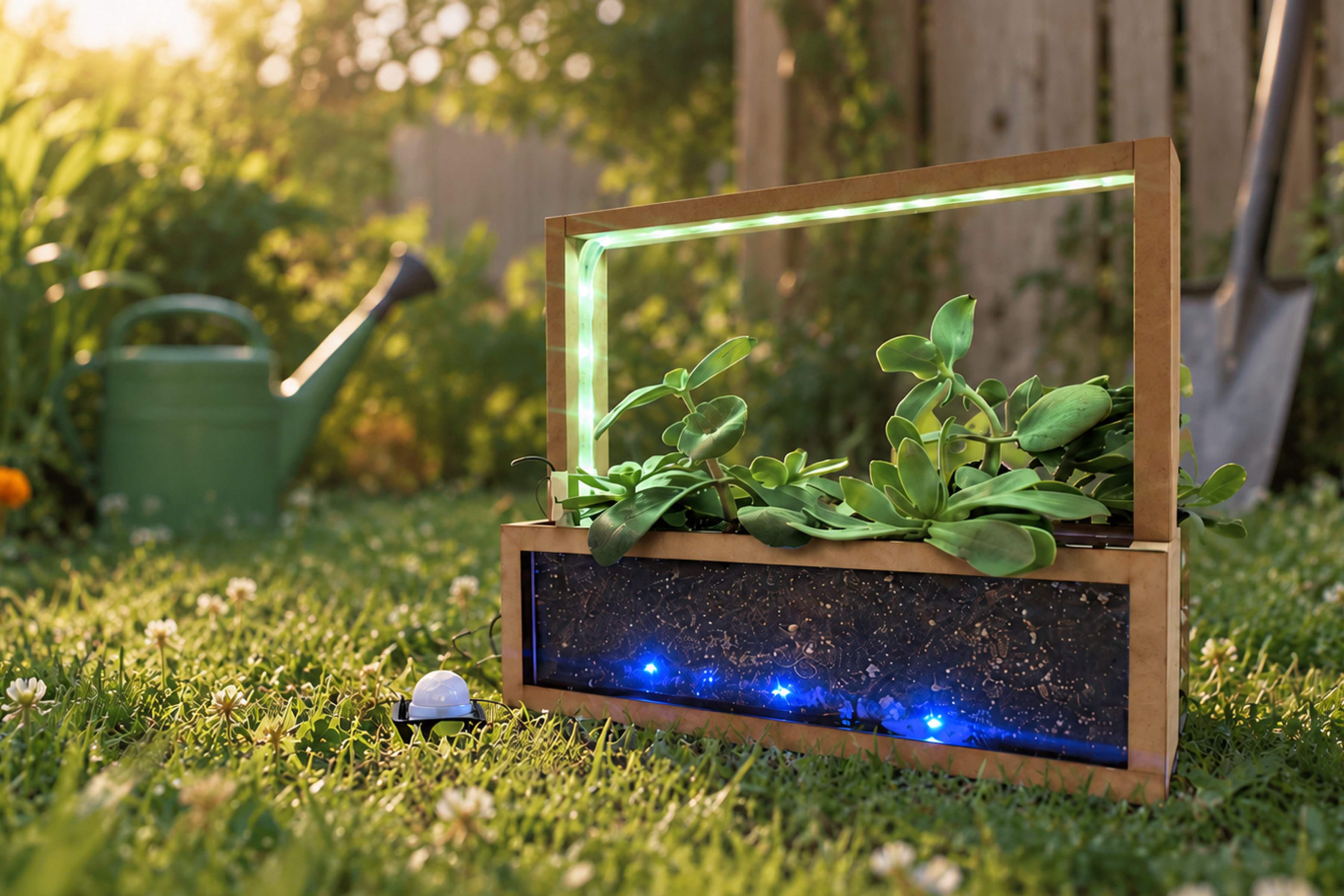
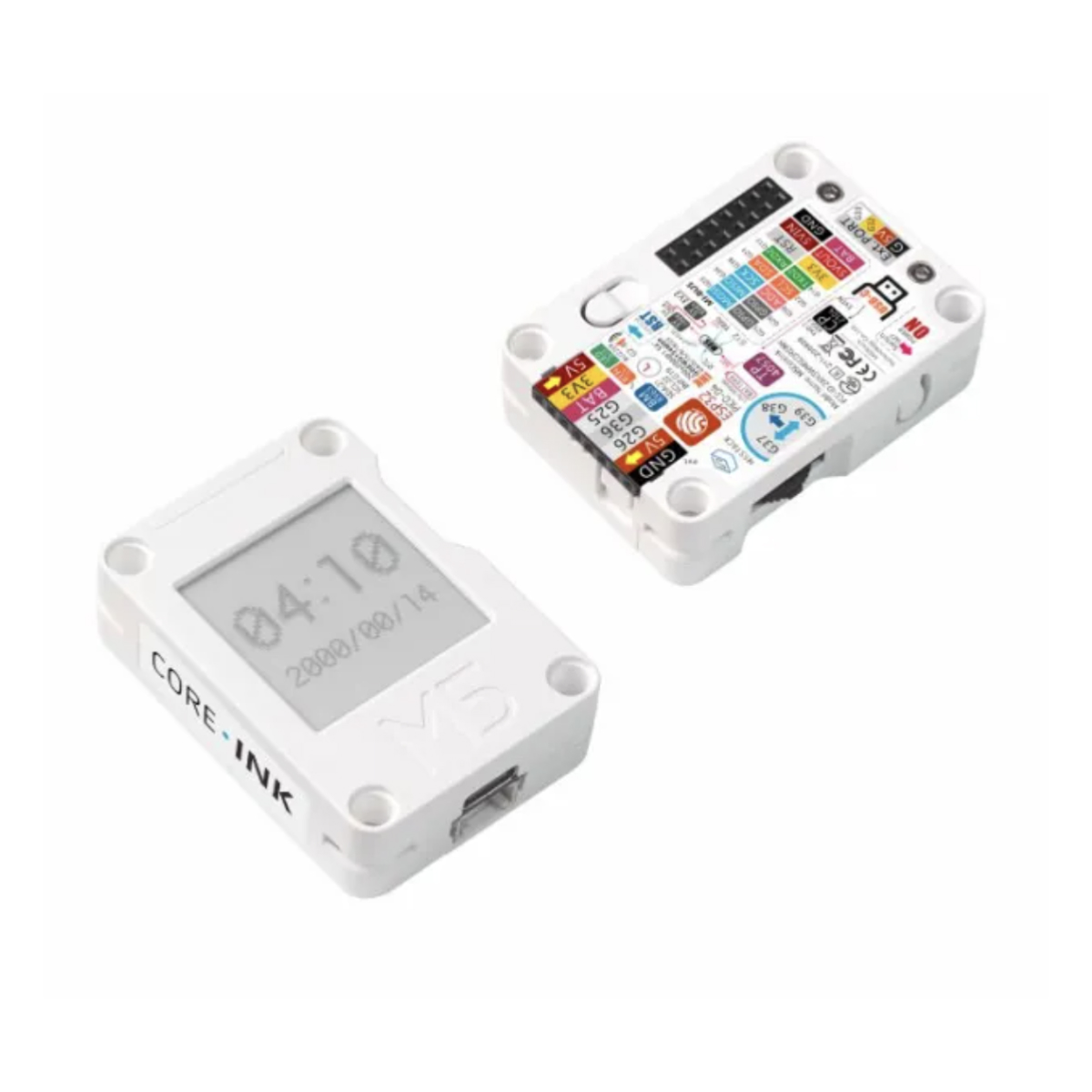
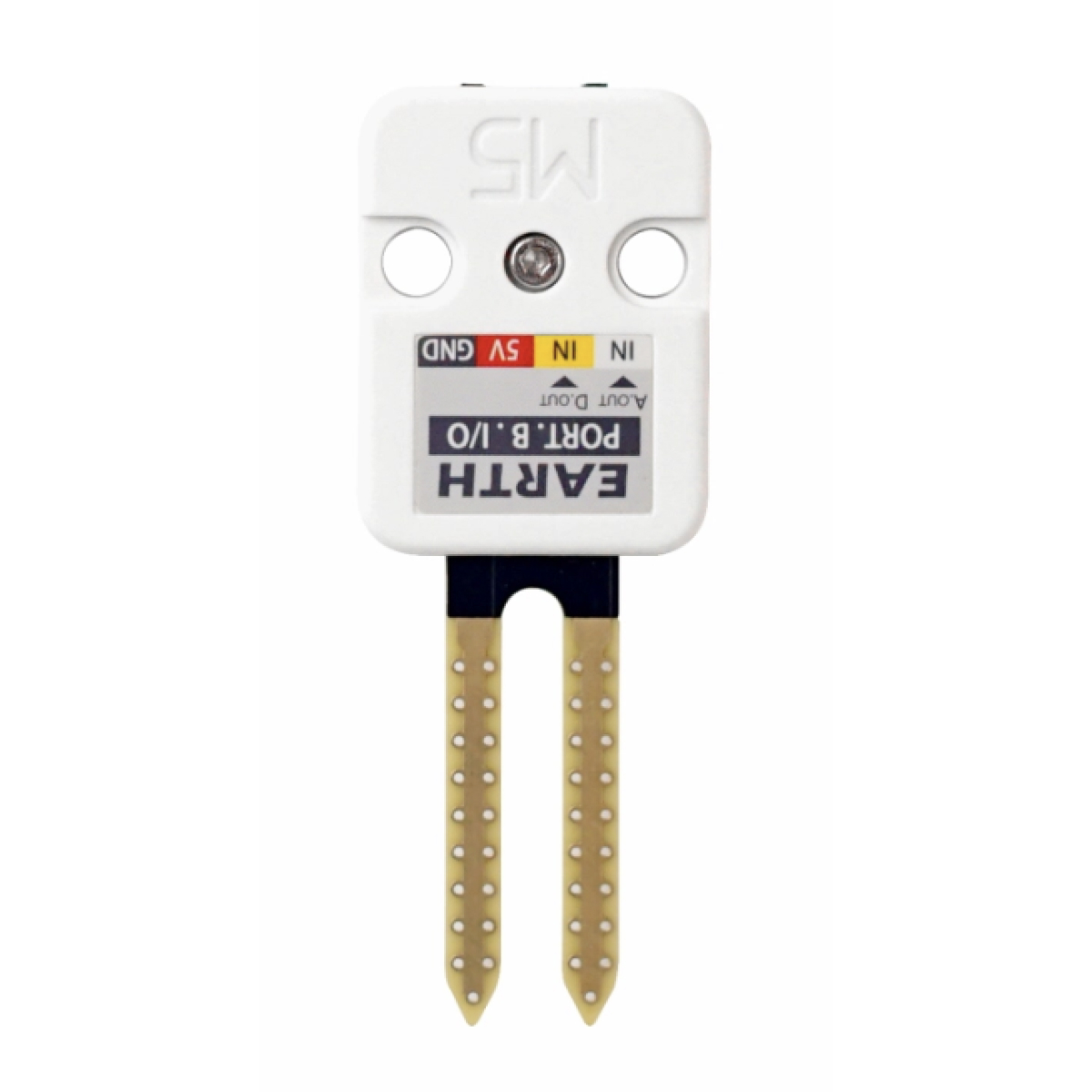
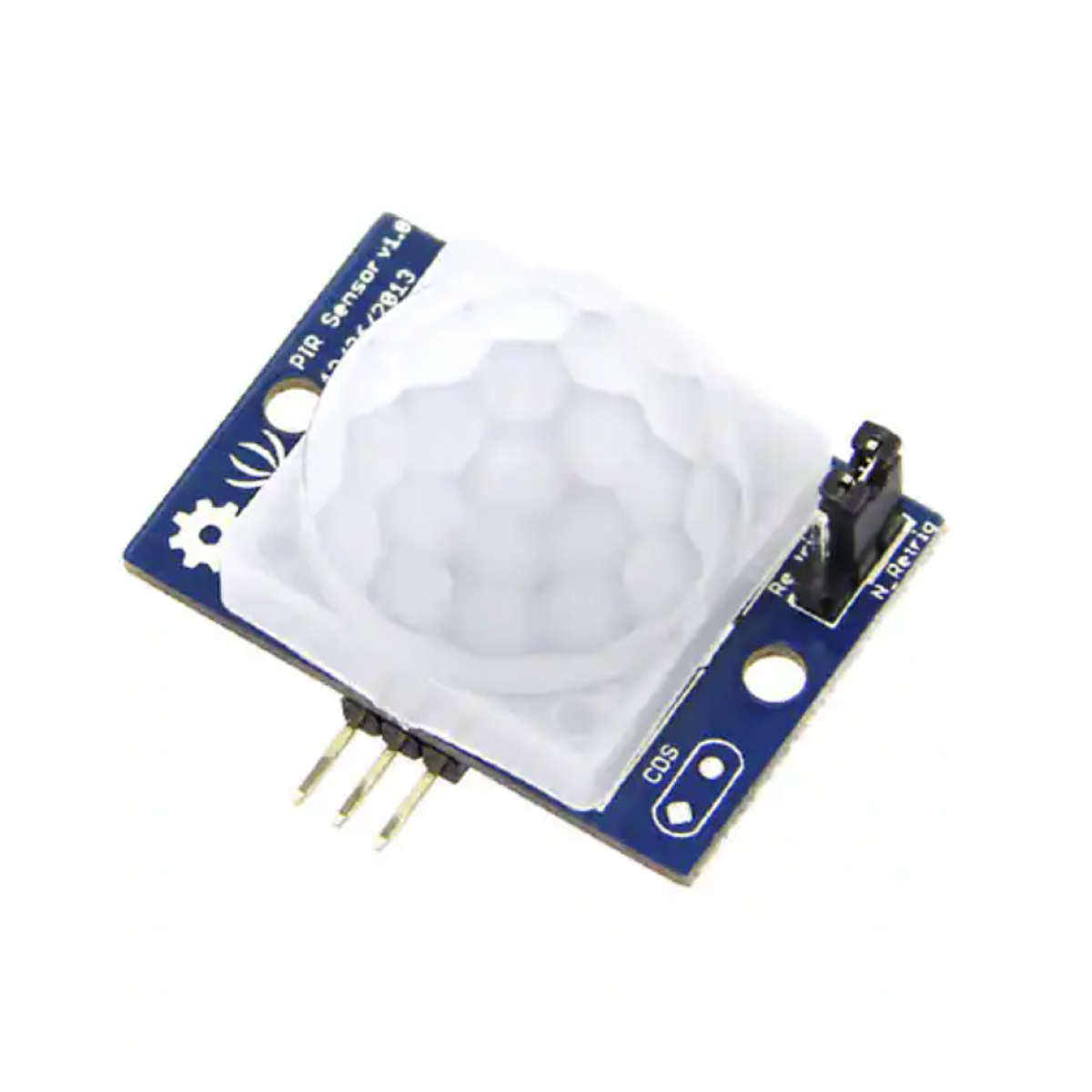
A connected planter that makes plant care visible. An ESP32 senses soil moisture and human presence, translating them into ambient light across the frame and soil bed, with live control through a cloud dashboard.
Problem
Soil moisture is difficult to judge at a glance. Digital sensors can expose that information, but numerical readings still require someone to actively check a screen.
Plant state should be readable at a glance through ambient physical feedback, without requiring a separate screen check. The lighting activates when someone approaches, making the system responsive to both the plant and the person.
Process & iterations
Built end-to-end over one term: component selection, enclosure fabrication, firmware, and the control dashboard.
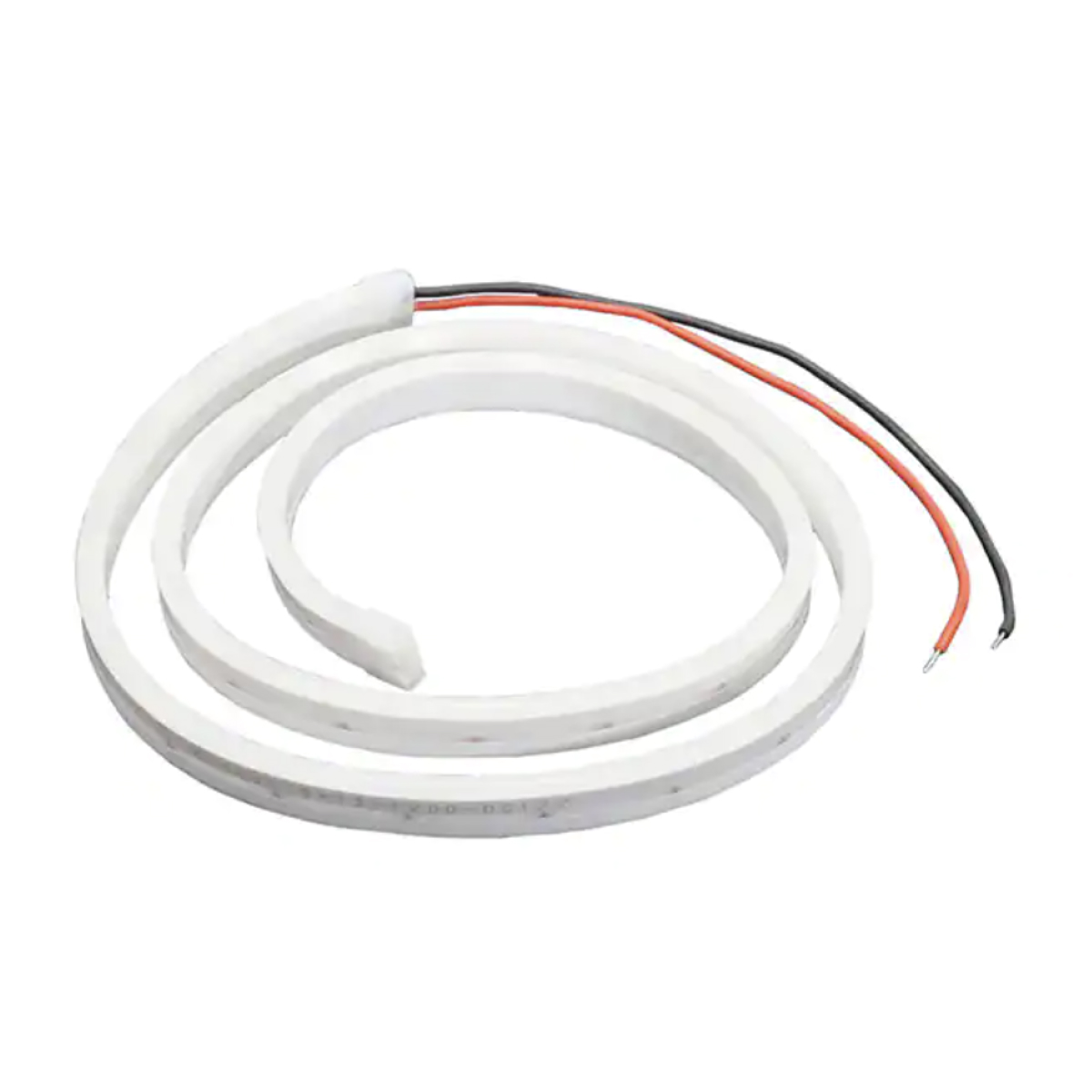
2.1Hardware
2.2Physical fabrication
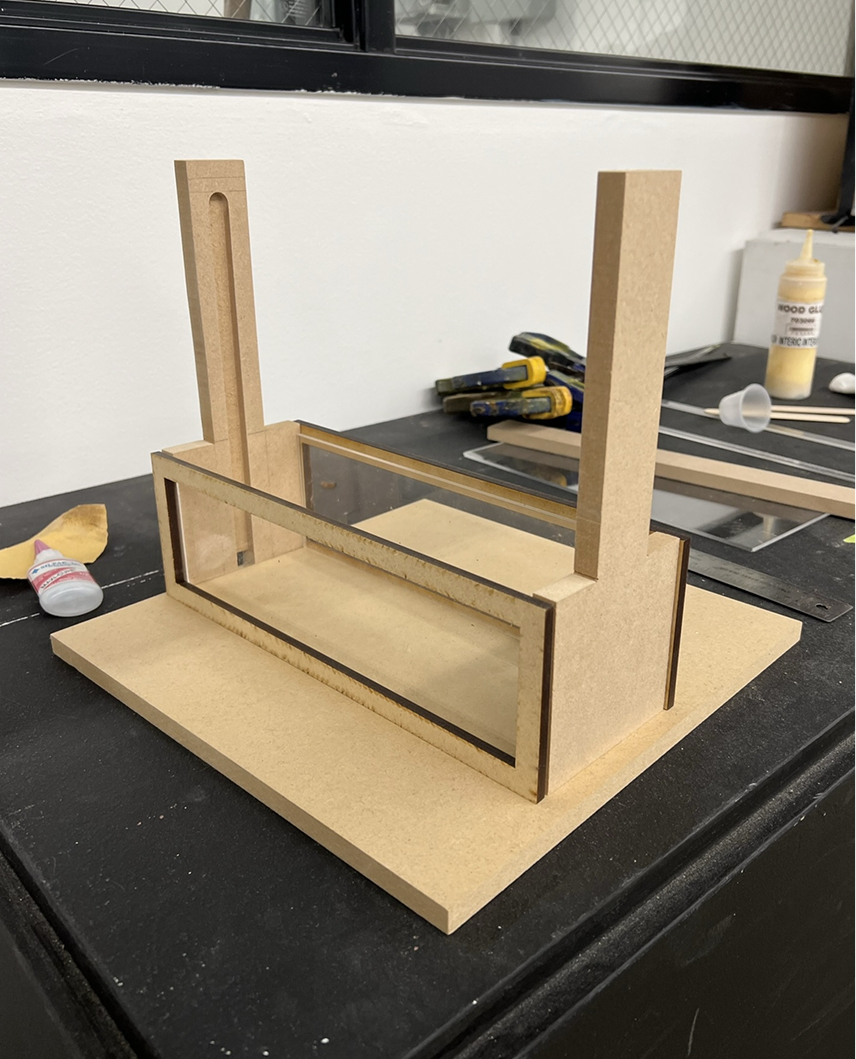
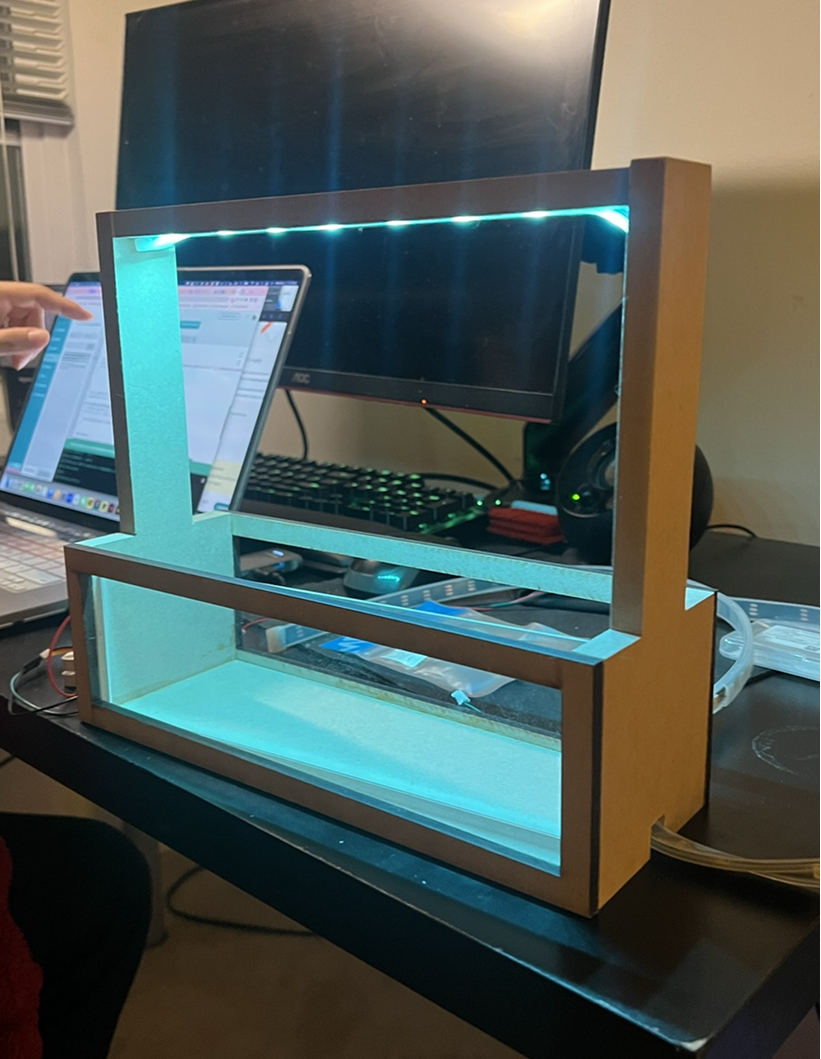
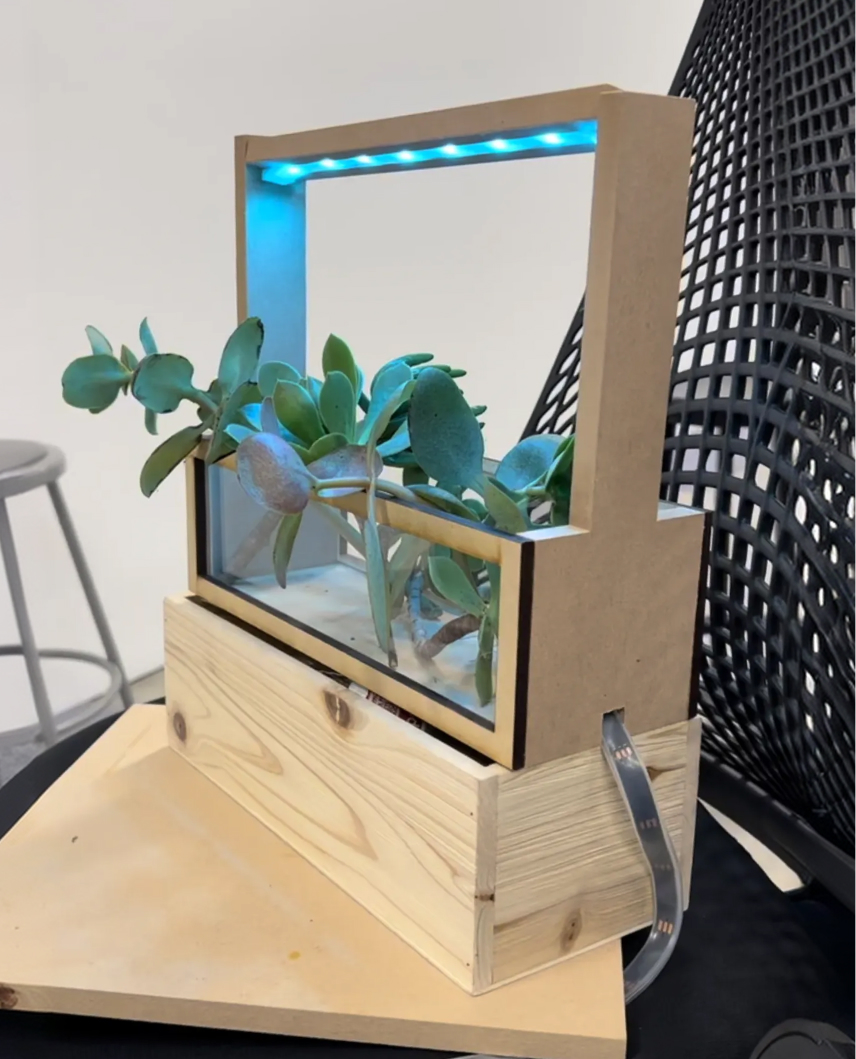
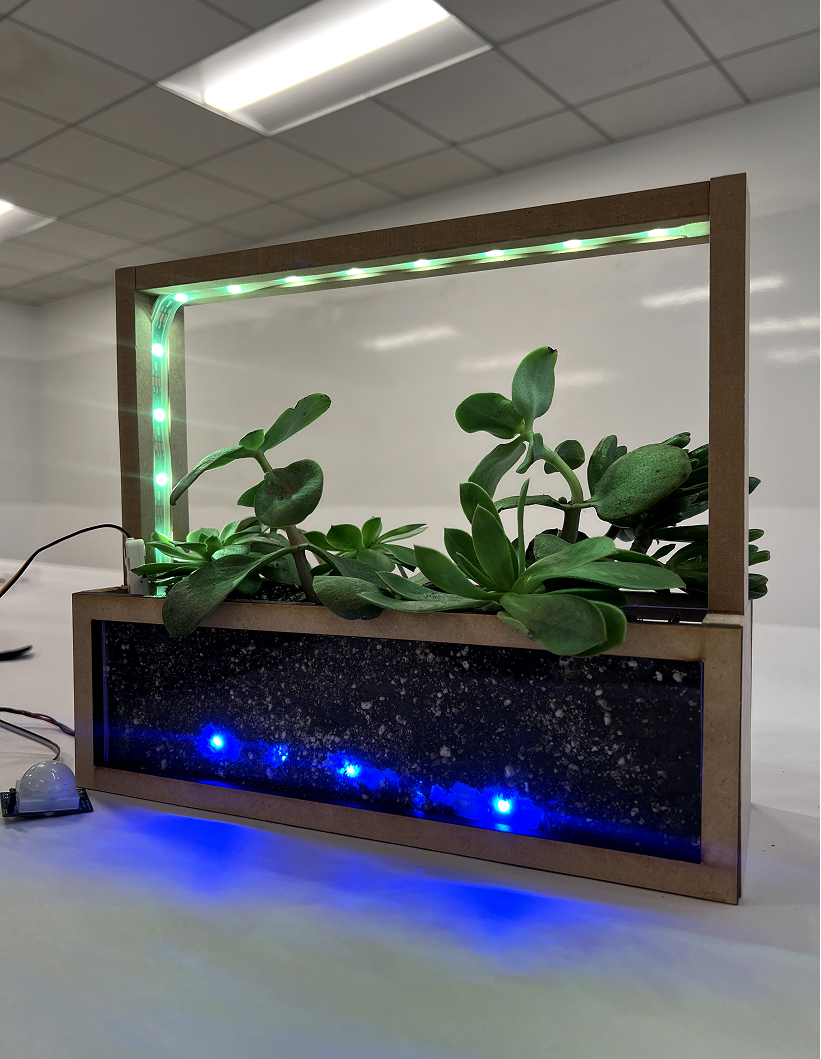
The frame was fabricated from MDF using a laser cutter and band saw, with a milled channel in the top rail to integrate the LED strip. An acrylic front exposes the soil bed, allowing the embedded lighting feedback to remain visible.
2.3From hard-coded behavior to live control
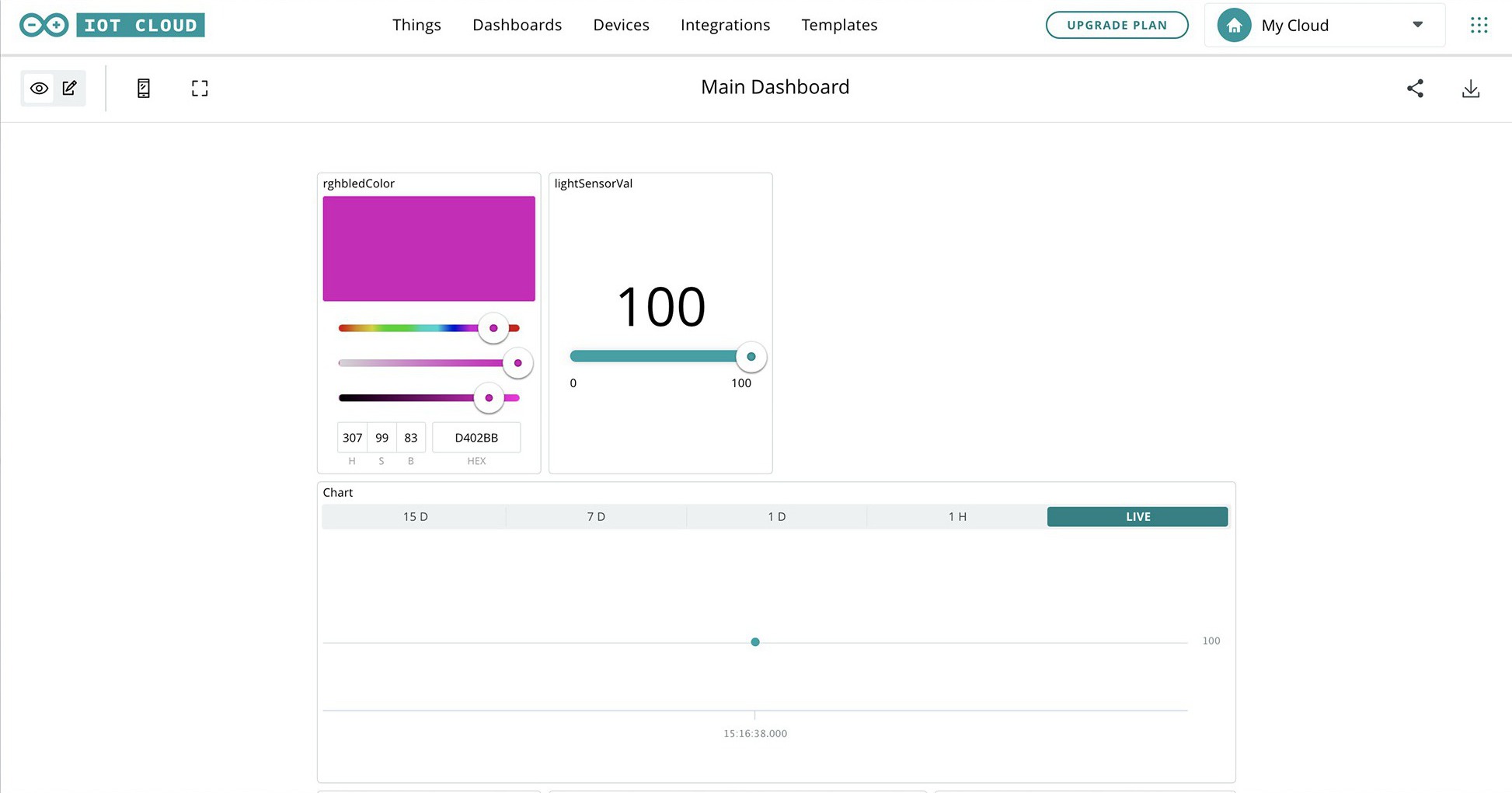
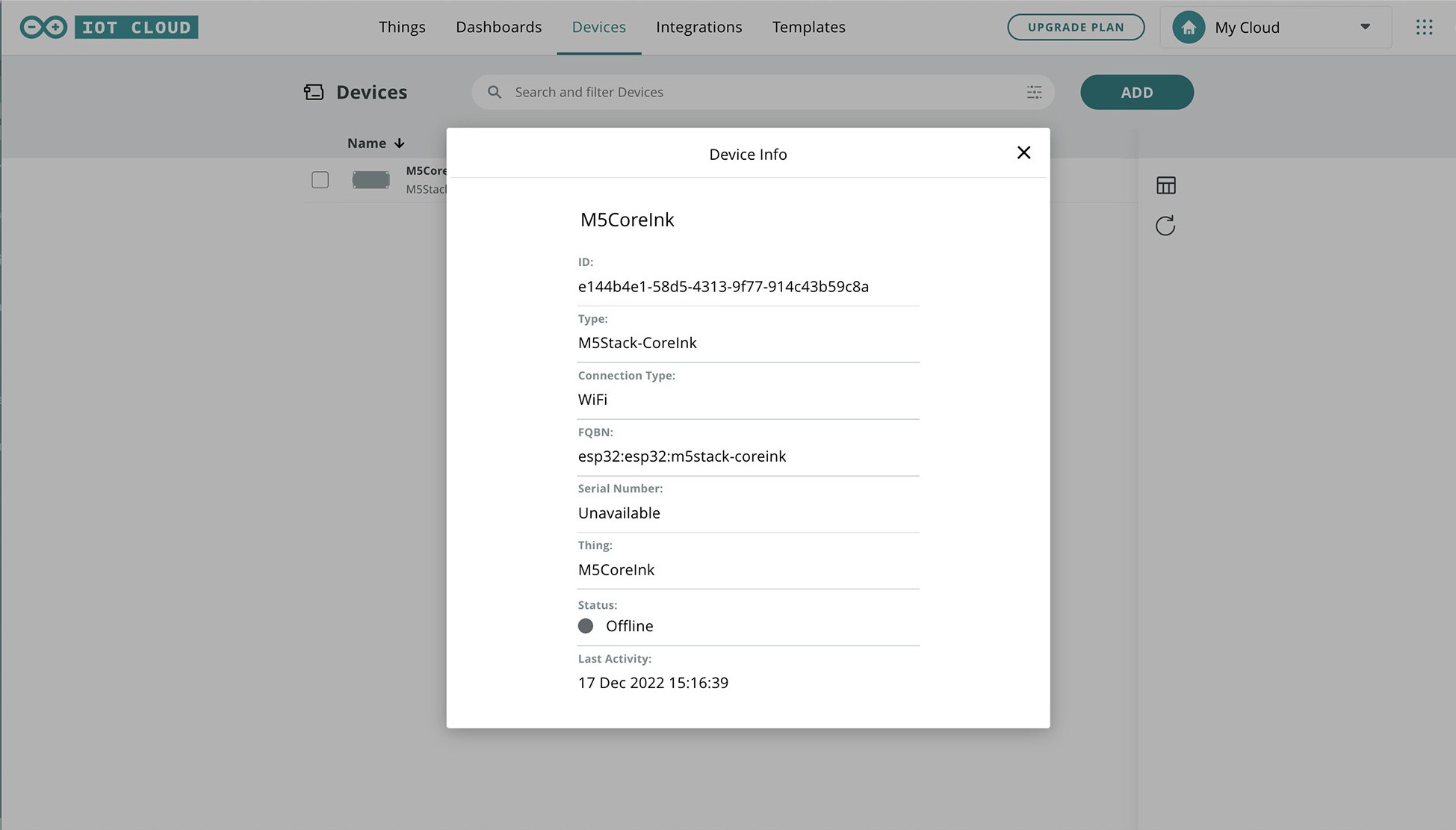
Thresholds and lighting values initially lived in the firmware, so adjustments required re-flashing the board. Moving lighting controls to Arduino IoT Cloud enabled live adjustment of color, hue, and saturation through the dashboard while sensor values could be monitored remotely. Tuning went from a compile cycle to a slider.
Final design — three behaviors
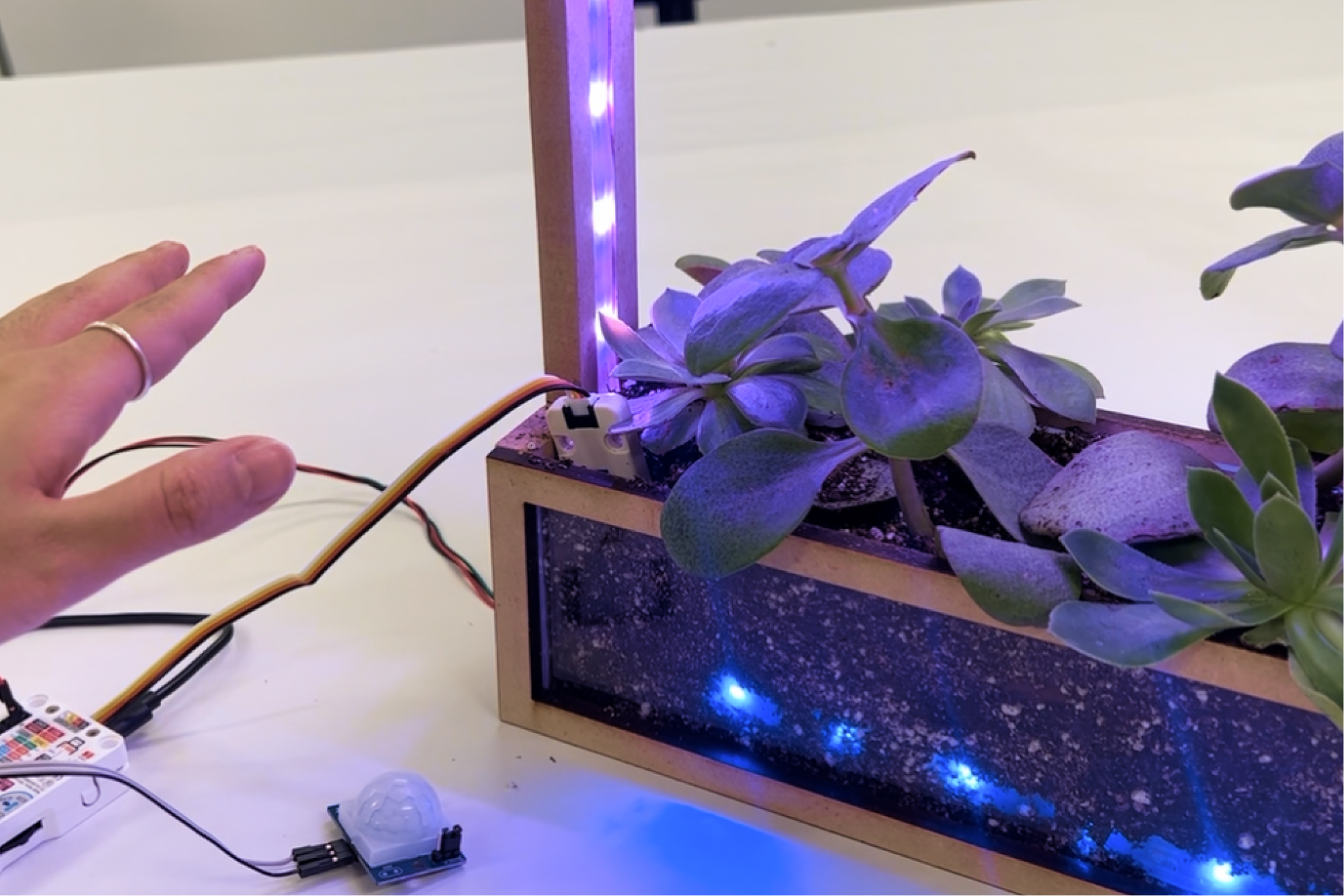
Presence lighting
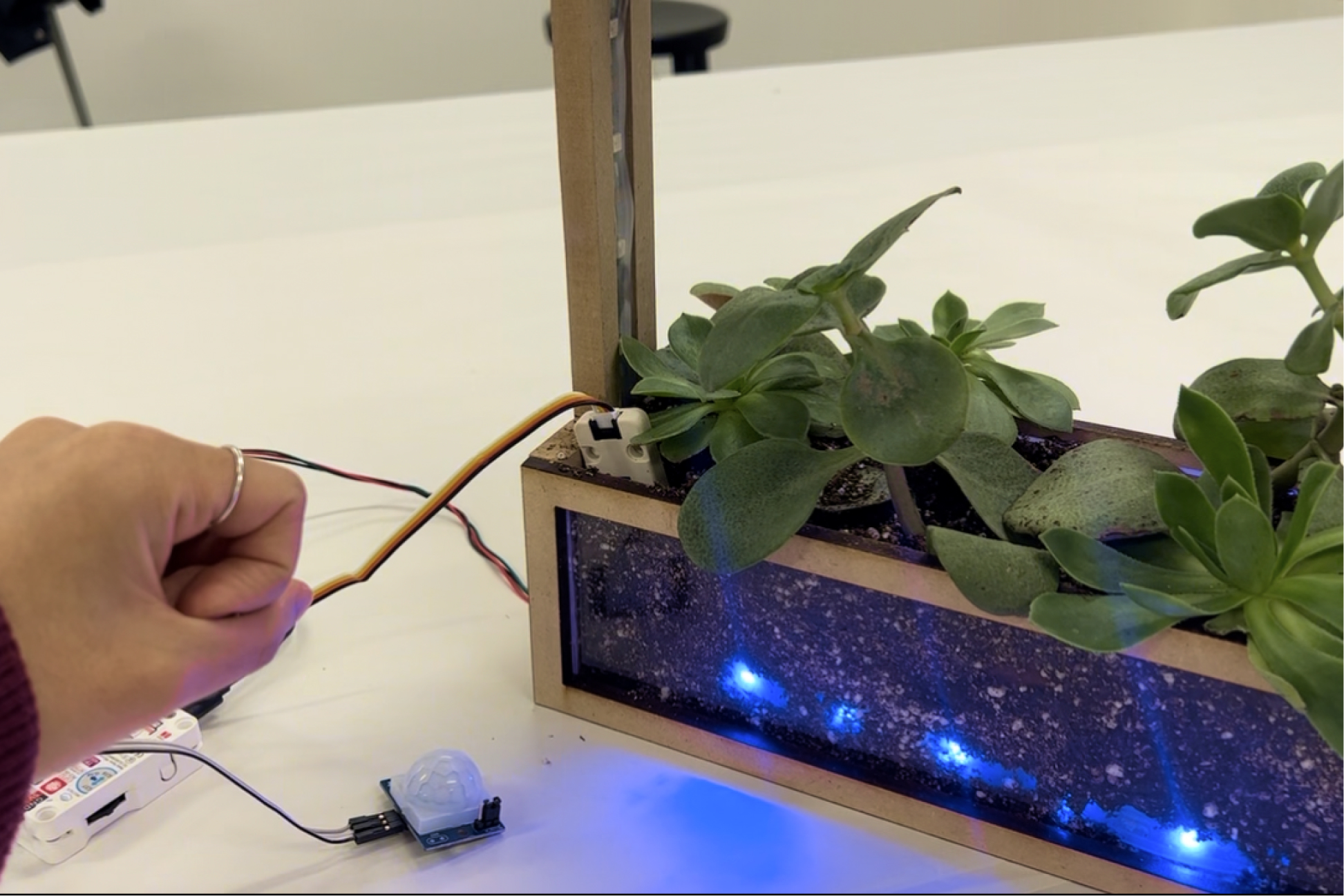
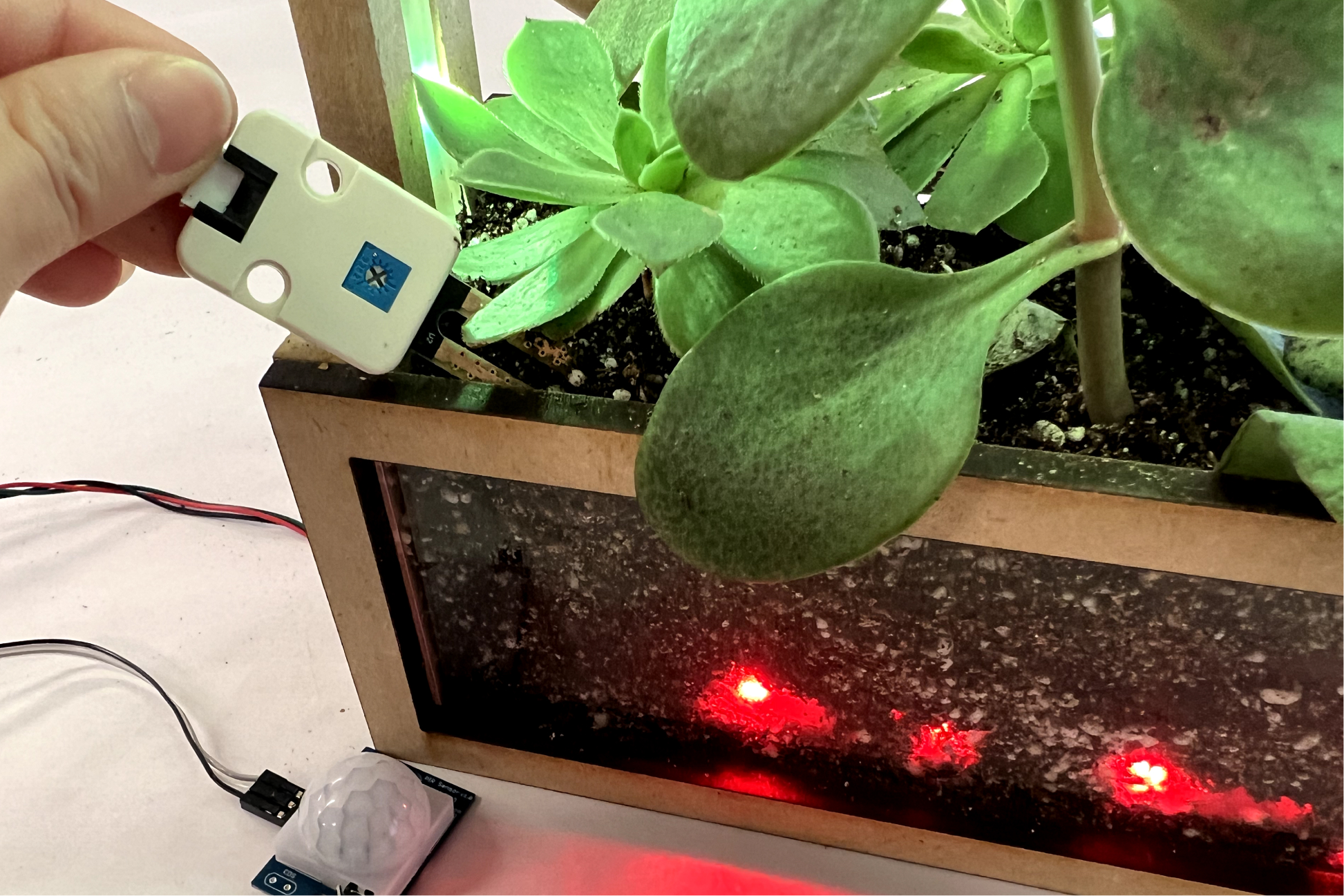
When someone approaches the planter, the PIR sensor detects movement and activates the frame lighting. This allows the physical interface to respond to a person’s presence rather than remaining continuously active.
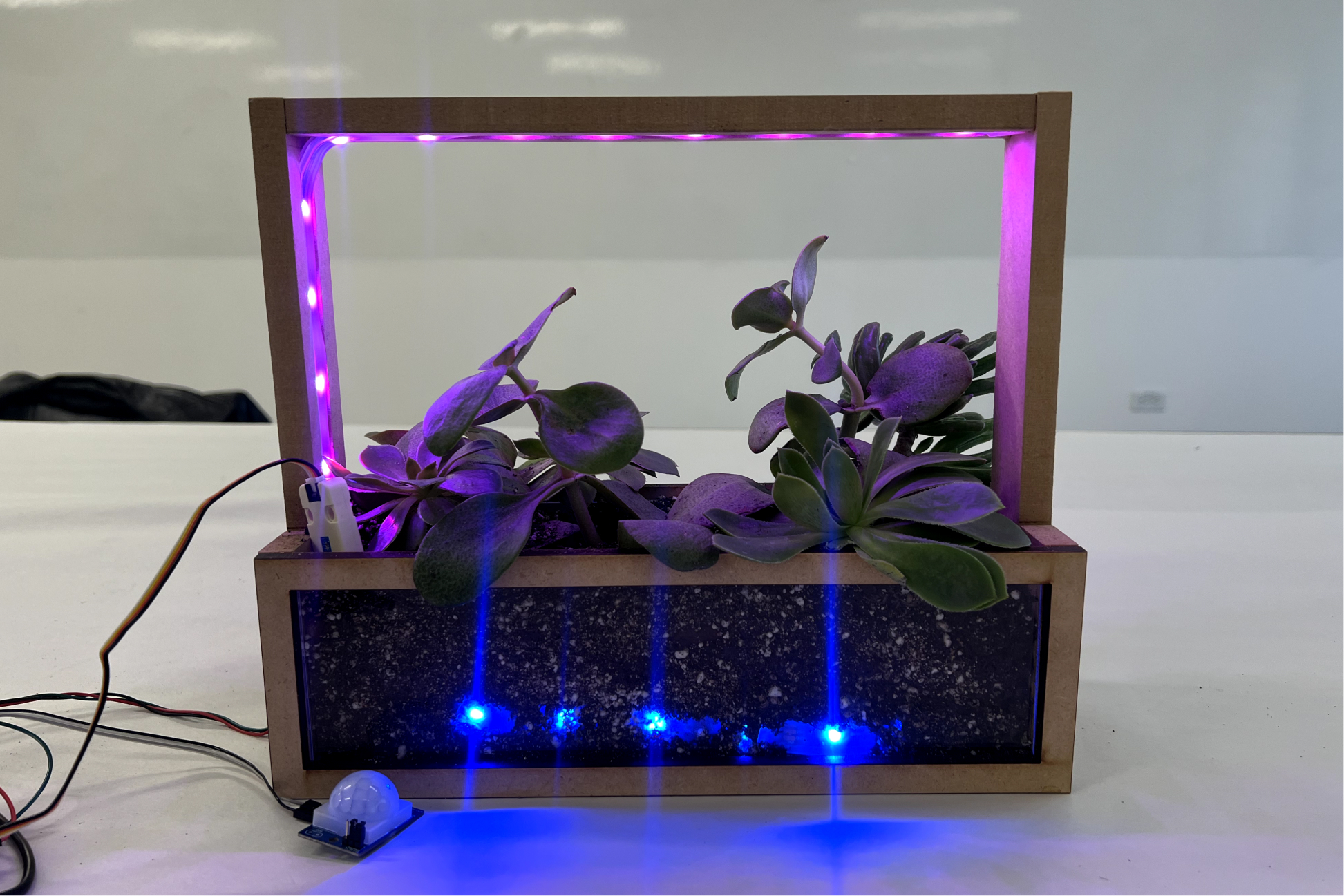
Custom lighting
Lighting controls are connected to cloud variables through Arduino IoT Cloud. Adjusting them on the dashboard updates the physical frame lighting in real time, allowing color and lighting states to be tuned without modifying the firmware.
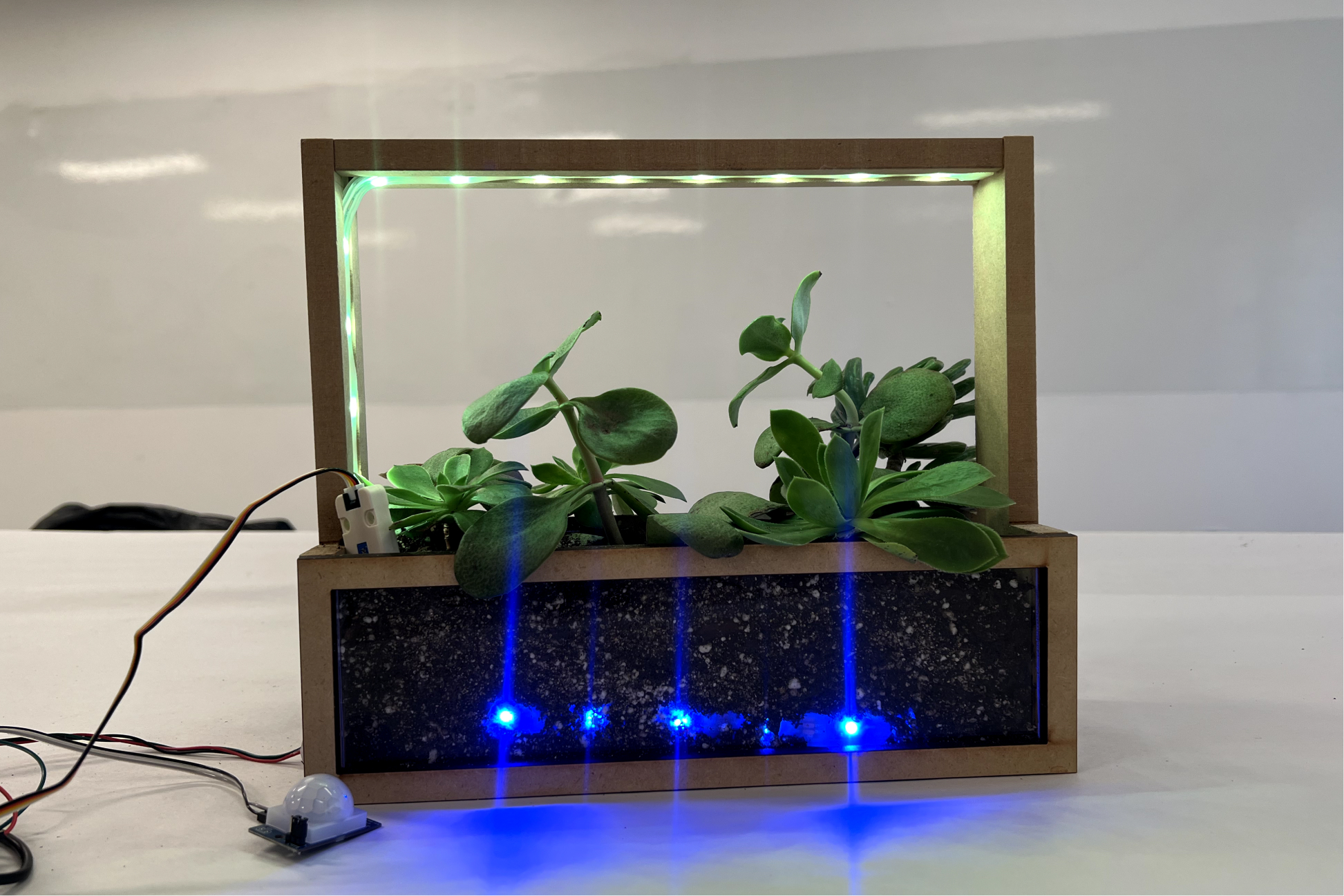
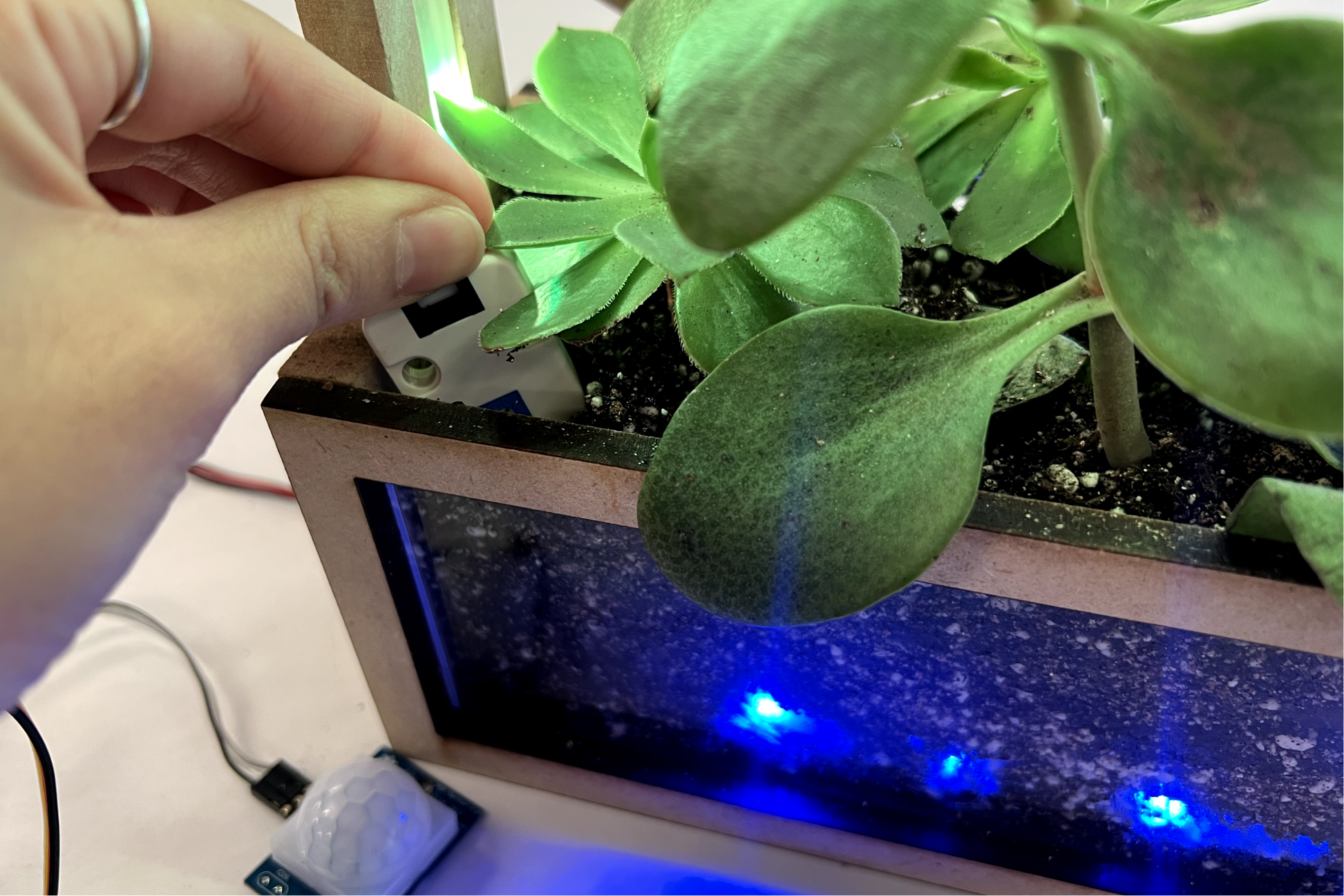
Moisture feedback
LEDs at the soil line translate the moisture reading into a simple physical state: red for dry and blue for sufficient moisture. The exact sensor value remains available on the dashboard, while the ambient lighting makes the overall state visible at a glance.
Try the feedback logic
Drag the moisture level to see how the system translates sensor data into ambient feedback.
Learnings
Ambient feedback reduces screen dependency
Encoding plant state directly into the object made the system understandable without requiring a separate screen check. The planter itself became part of the interface.
Live variables change how you design
Once thresholds and colors became cloud variables, tuning became a design activity instead of a firmware chore.
Fabrication is interface work
The milled LED channel and the acrylic soil window aren't cosmetic — they are what make the feedback legible.